 Control
For iPhone and iPad
one remote
for every TV.
Control finds the TVs on your Wi-Fi and becomes their remote. Free, with no ads, purchases or tracking.
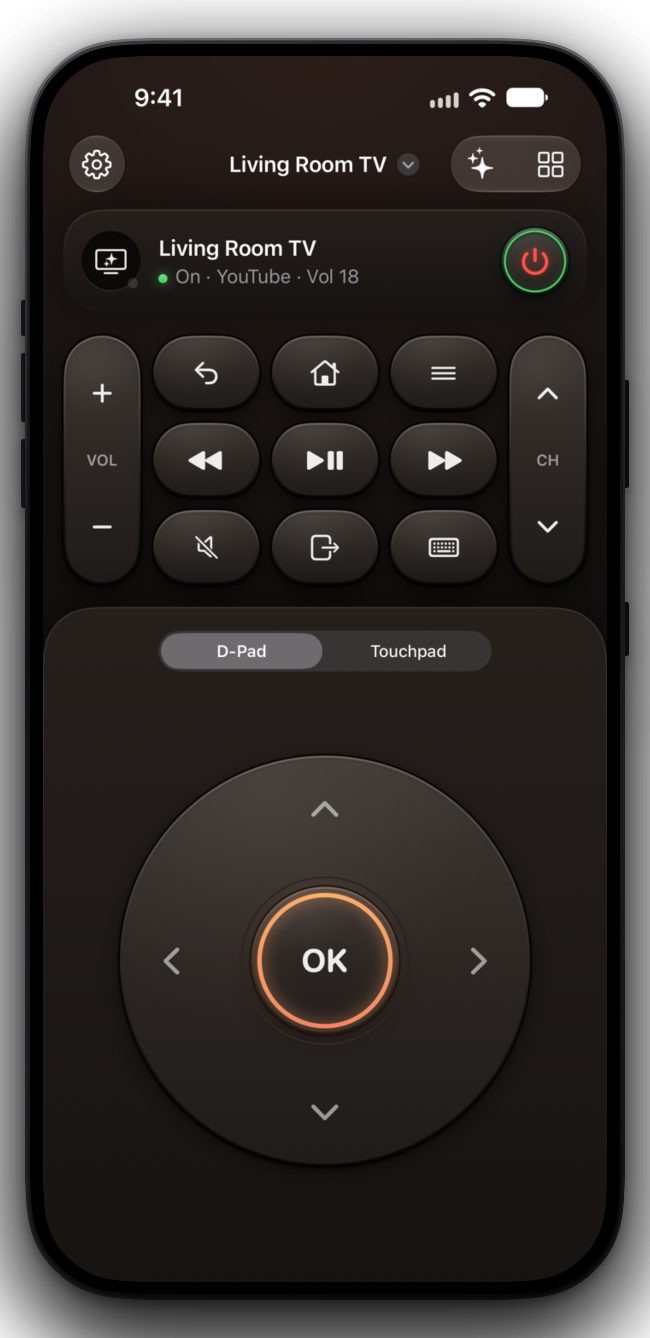
Your remote, wherever you are on your iPhone
- Lock Screen
- Control Center
- Siri
- Action Button
- Widgets
The remote
Keys that feel
like the real thing.
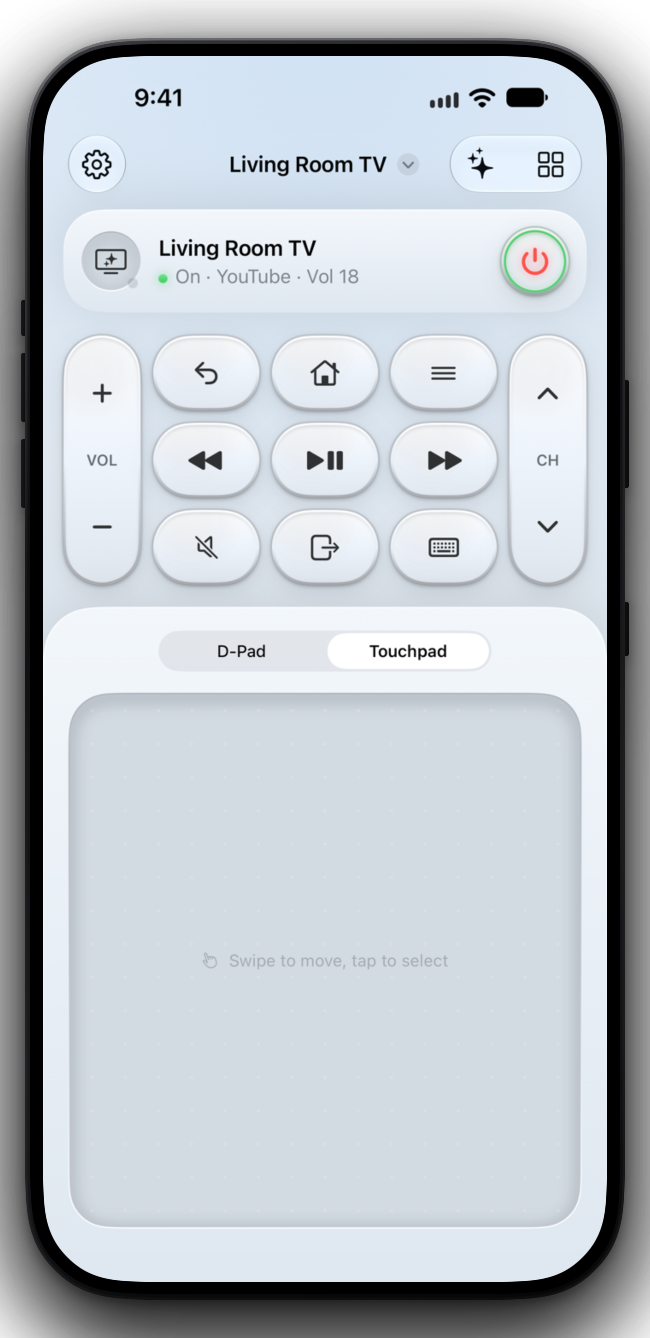
A large D-pad around the OK key, or a touchpad you swipe. Volume and channel rockers, playback, mute, inputs and a keyboard for search, with haptics and soft clicks.
- Paired once. Accept the prompt or type the code your TV shows, and Control stays connected from then on.
- Found on your Wi-Fi. Open Control and your TVs are listed. No accounts, no setup.
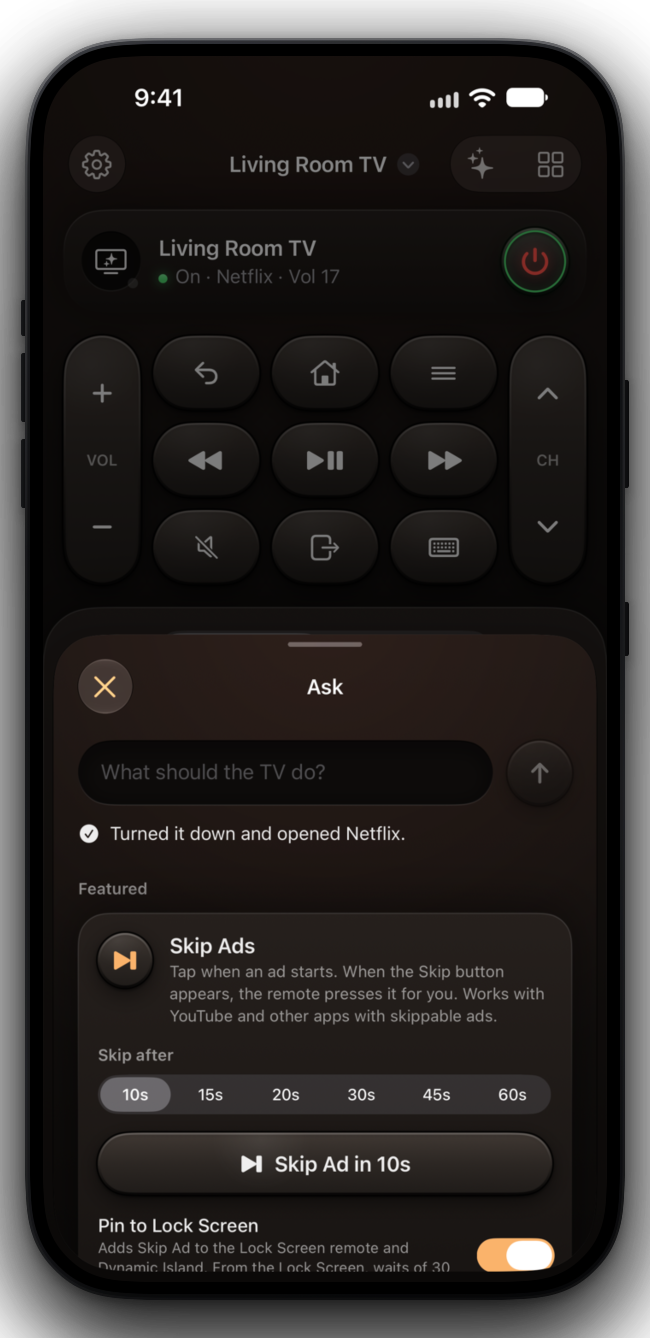
Siri and Apple Intelligence
Just ask.
Say what you want in your own words, like “turn it down a bit and put on Netflix.” Apple Intelligence works it out on your iPhone, and nothing is sent anywhere.
- Siri and Shortcuts. “Turn the TV off with Control,” “Mute the TV with Control,” “Open YouTube on the TV with Control.”
- Control Center and the Action button. TV Power, Play/Pause, Mute, Volume and Skip Ad, one press away.
Skip Ads
Skip ads,
hands-free.
Tap Skip Ad when an ad starts, and Control presses Skip the moment it appears. Choose a wait from 10 to 60 seconds.
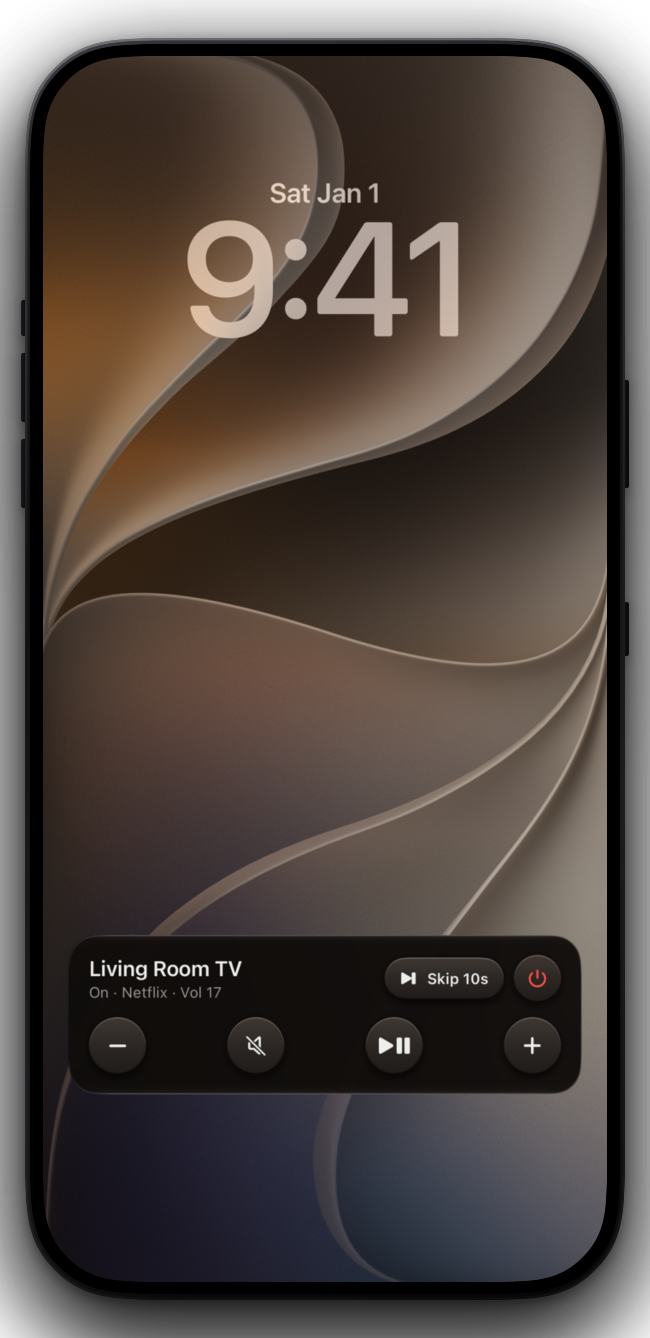
- On your Lock Screen. Pin Skip Ad to the Lock Screen remote and the Dynamic Island, beside volume, mute, play and power.
- Made for skippable ads. Works with YouTube and other apps that show a Skip button.
Supported TVs
Works with
your TV.
Control speaks each TV’s own language over your Wi-Fi, the way the makers’ own remote apps do.
Samsung
Smart TVs from 2016 on
LG
webOS TVs
Roku
TCL, Hisense, Sharp, Insignia, onn. and more
Google TV
Chromecast, Sony, TCL, Hisense, Shield
Sony
Bravia
Vizio
SmartCast
Philips
2016 on
Panasonic
Viera, 2012–2019
Home Assistant
Any TV your server controls
Themes
Make it yours.
Twelve themes, light and dark, each with a matching app icon. Widgets and the Lock Screen remote follow along.
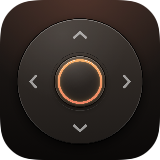 EmberWarm charcoal
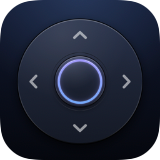 MidnightDeep navy
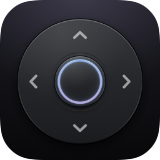 GraphiteCool gray
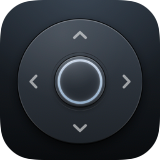 SlateBlue-gray stone
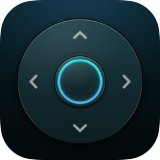 OceanDeep teal
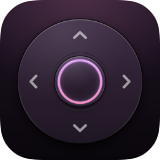 PlumDark violet
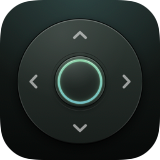 SageGreen-gray
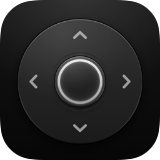 MonoBlack and white
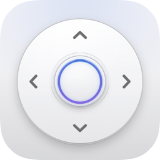 PorcelainPale and light
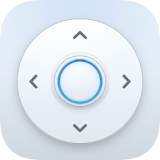 GlacierIcy white
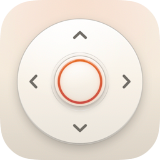 SandWarm sand
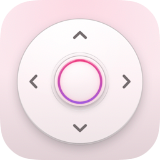 BlossomSoft rose
Free. Really.
Every feature, for everyone. No catch.
No ads or purchases
No ads, no in-app purchases and no subscriptions. Nothing to unlock.
No tracking
No accounts, analytics, cookies or tracking. No data collected, sold or shared.
Stays on your Wi-Fi
Control talks only to the TVs in your home. Pairings stay in your iPhone’s Keychain.
Find your TV.
A short welcome tour, then Control finds the TVs on your Wi-Fi.
iPhone · iPad