 Sensor
For iPhone and Apple Watch
a camera
you operate.
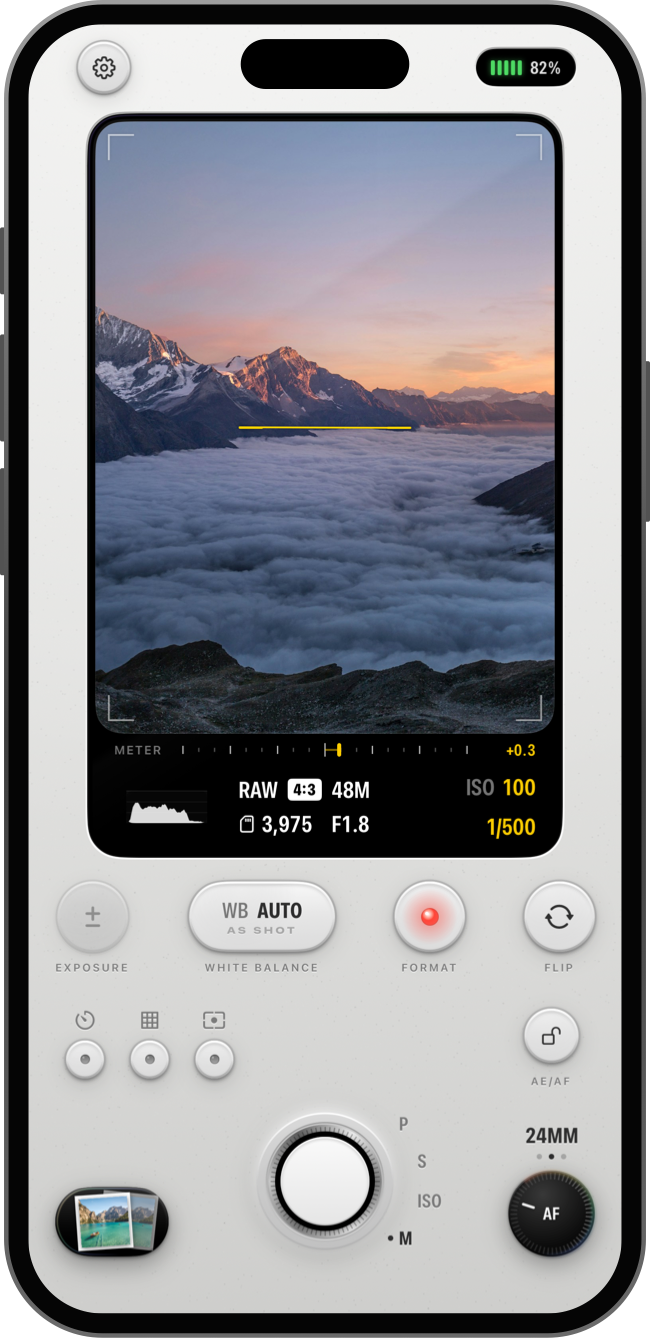
Keys with lamps, a focus knob you turn, a mode dial around the shutter. Manual shutter, ISO, focus and white balance, with RAW.
Opens from anywhere you’d reach for a camera
- Lock Screen
- Control Center
- Camera Control
- Action Button
- Apple Watch
Exposure
Every setting,
in your hands.
Program, shutter priority, ISO priority or full manual, on a mode dial curved around the shutter. Values step in thirds, like a camera’s.
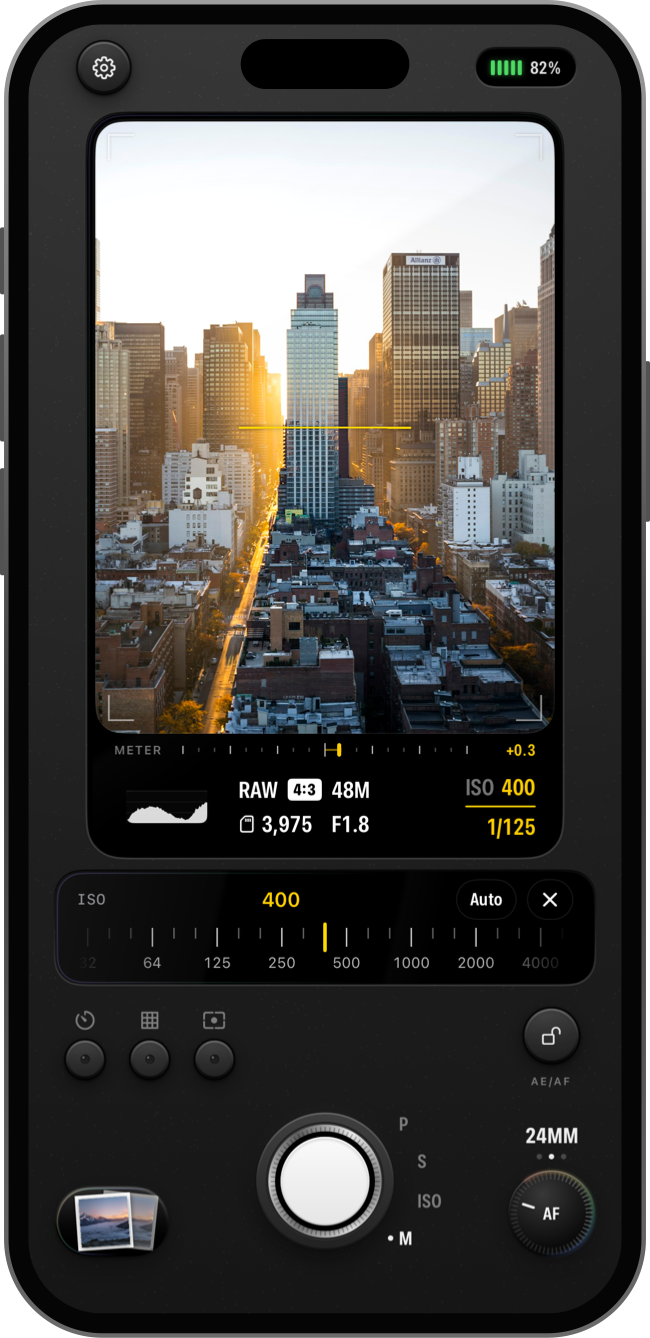
- Keys that click. Each key lights its lamp when it’s on, and opens a dial for its value.
- Every lens on your iPhone. Manual focus with a knob you turn, and AE/AF lock, tap to focus, swipe to brighten.
White balance and files
Color you set.
Files you keep.
Set white balance in Kelvin or leave it on Auto. Save HEIF, the sensor’s RAW data as a DNG beside it, or the DNG alone.
- RAW, ready to edit. DNGs open in Photos, Lightroom or any RAW editor.
- Lens attachments. Profiles record the right focal length, and anamorphic ones unsqueeze the viewfinder.
Metering and framing
Know the shot
before you take it.
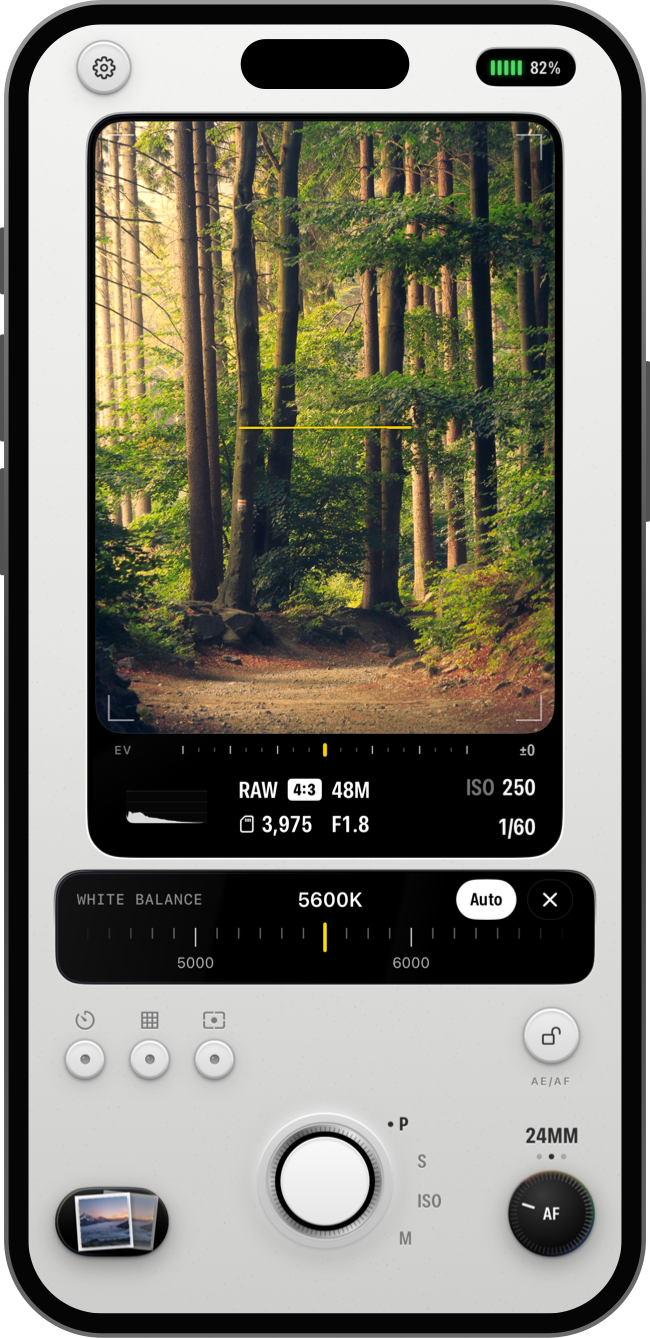
A live histogram and exposure meter on the screen, with focus peaking, zebras, a grid and a level when you want them.
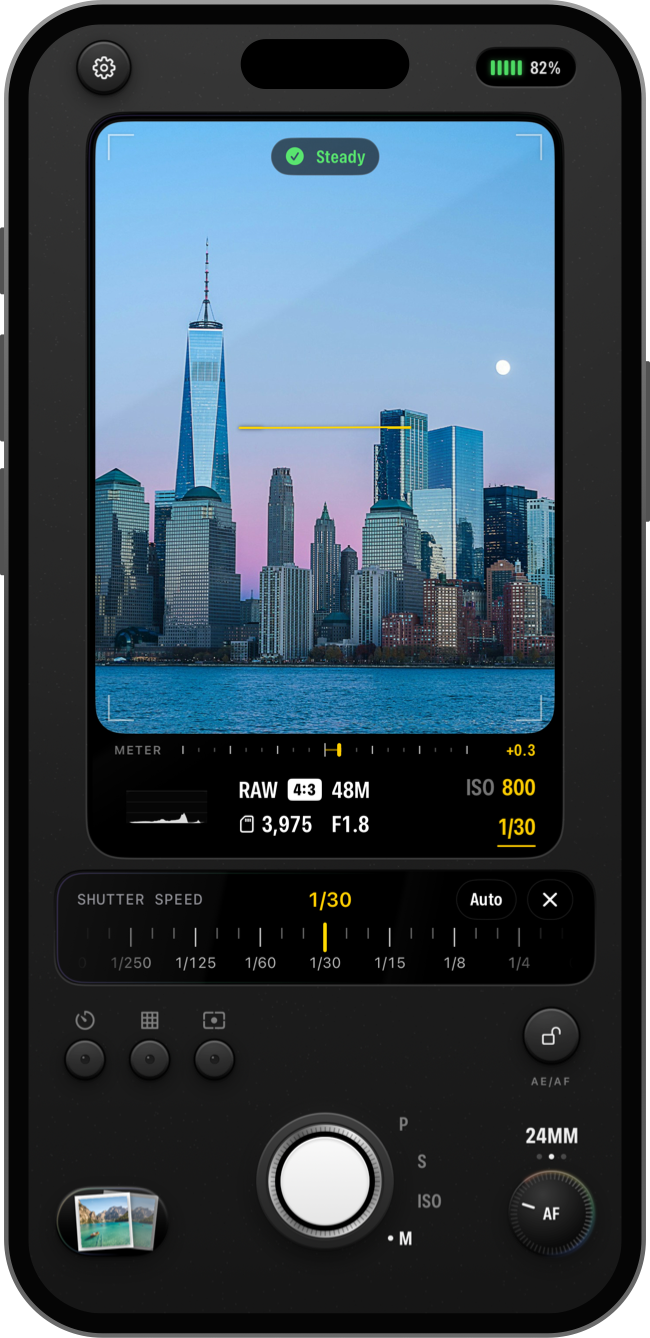
- A steadiness check. At slow shutter speeds, Sensor tells you when you’re holding still enough.
- Readings once, controls once. The screen reports and the body controls, so nothing is shown twice.
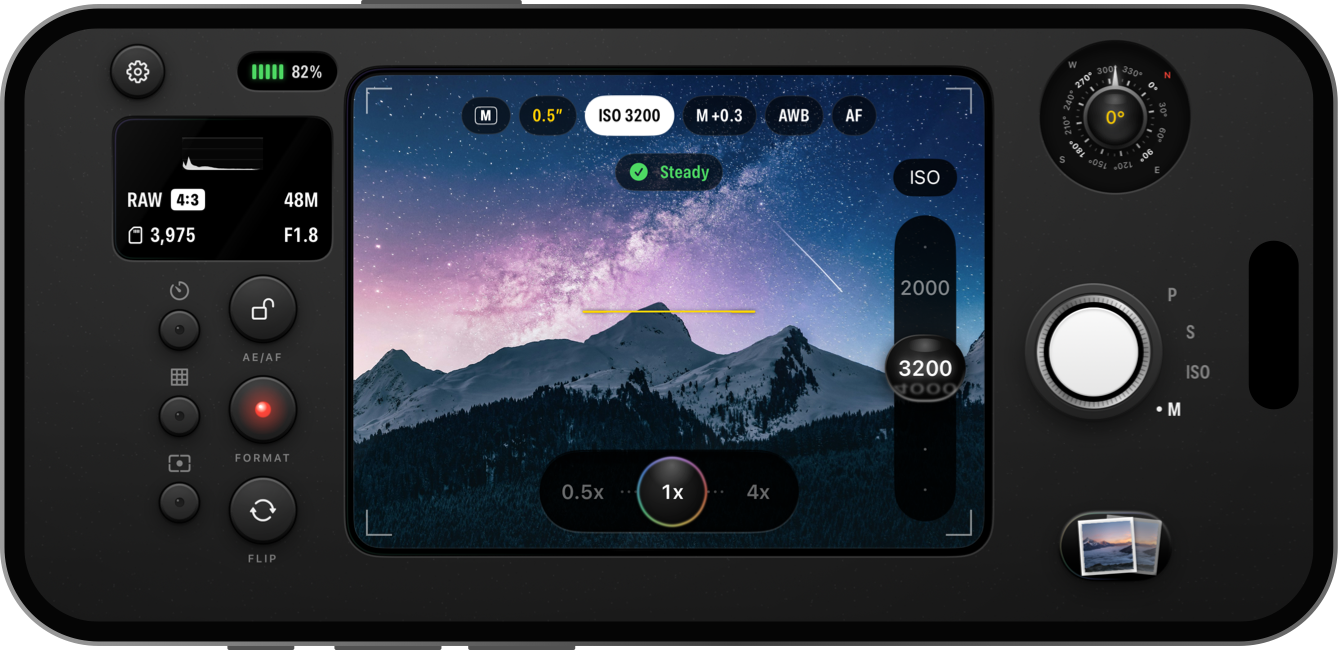
Landscape
Turn it sideways
for the night sky.
A cinema-style layout: readouts across the top of the image, a value strip on its edge, and the shutter under your grip hand. Left-handed? The body flips.
Finishes
Every iPhone Pro color.
The body, its keys and the app icon come in nine colors from recent iPhone Pro models. Pick one, or one for Light Mode and one for Dark Mode.
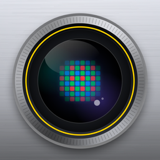 SilveriPhone 18 Pro
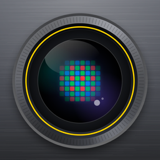 Deep BlackiPhone 18 Pro
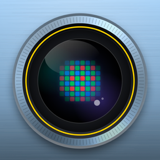 Glacier BlueiPhone 18 Pro
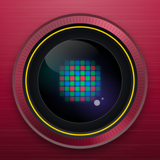 BurgundyiPhone 18 Pro
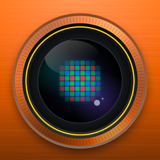 Cosmic OrangeiPhone 17 Pro
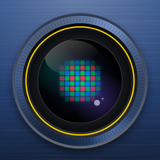 Deep BlueiPhone 17 Pro
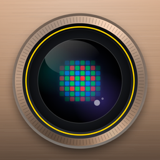 Desert TitaniumiPhone 16 Pro
 Natural TitaniumiPhone 15 and 16 Pro
 Blue TitaniumiPhone 15 Pro
iPhone Duo
Closed or open,
it’s all camera.
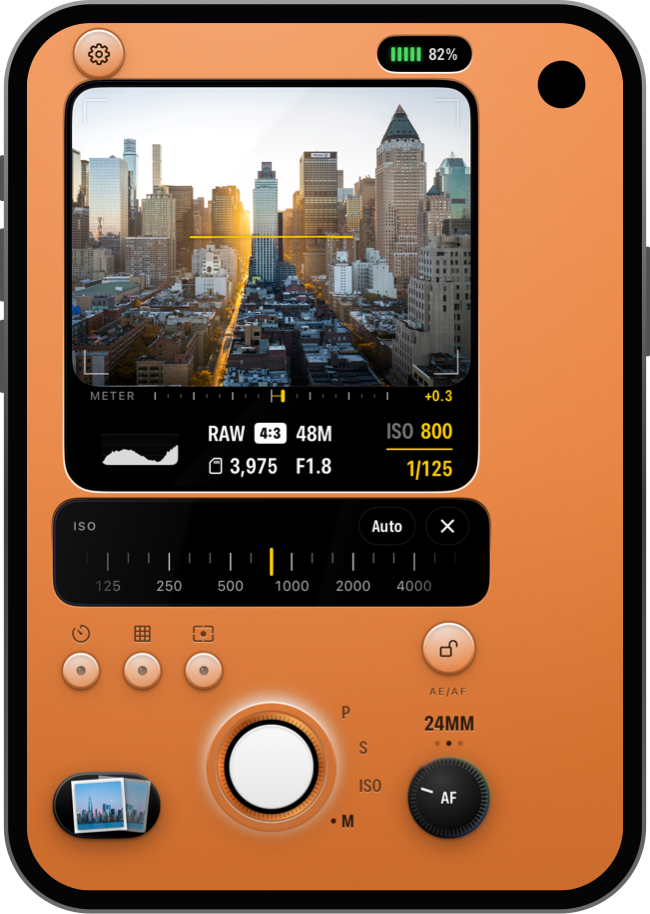
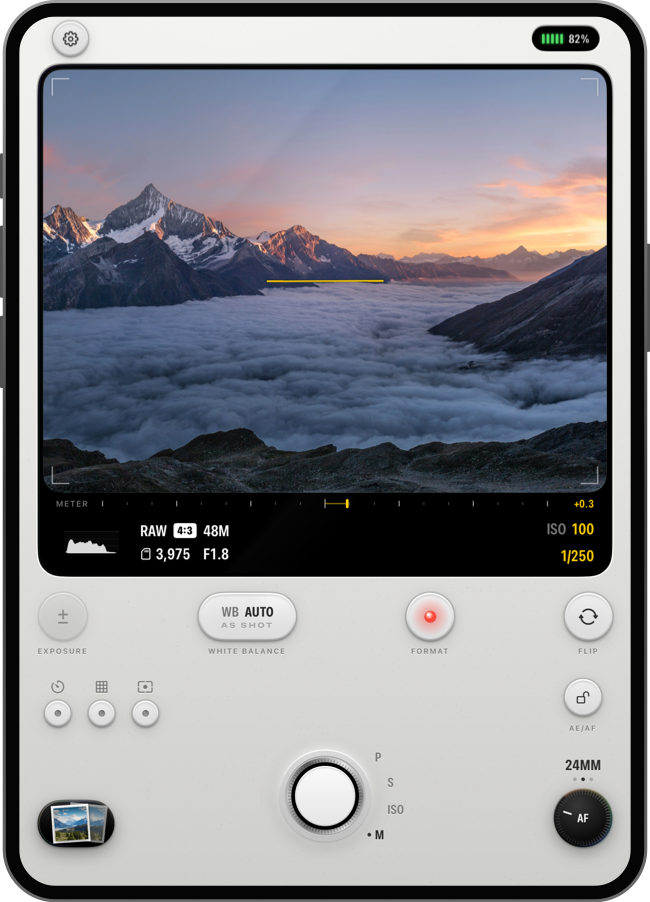
Every control fits the outer screen. Open it up and the viewfinder becomes a wide frame across the big screen.
Ready when the moment is.
Fire the shutter from wherever your hands are, and keep everything on your iPhone.
Apple Watch shutter
Frame the shot on your iPhone and take it from your wrist.
Buttons and grips
Shoot with the volume buttons, a Bluetooth grip or a keyboard, and map their keys to the controls you use.
Private by design
No accounts, ads, analytics or tracking. Sensor doesn’t connect to the internet.
Every feature is free.
Free photos carry a small Sensor watermark. Sensor Pro removes it, once, with no subscription.
- Every control and layout
- RAW, RAW + HEIF and HEIF
- All nine finishes
- Apple Watch shutter
- Everything in Free
- No watermark on new photos
- DNG alone, with no photo beside it
- Yours to keep
Price in U.S. dollars. Local prices are shown in the App Store.
Pick it up and shoot.
A short setup asks how you like to shoot, then the camera is ready.
iPhone · iPhone Duo · Apple Watch